For my UXD module in first year, I created a website for a fictional knit and crochet
website called Craftee. I created a logo and branding for them to use throughout the
website.
Research and Idea Generation
To begin with, I outlined the scope and purpose of the website. The aim I chose for the
Craftee website was to promote knitting and crochet to a younger audience. I then
completed some competitor analysis of similar websites, like 'Wool & the Gang'.
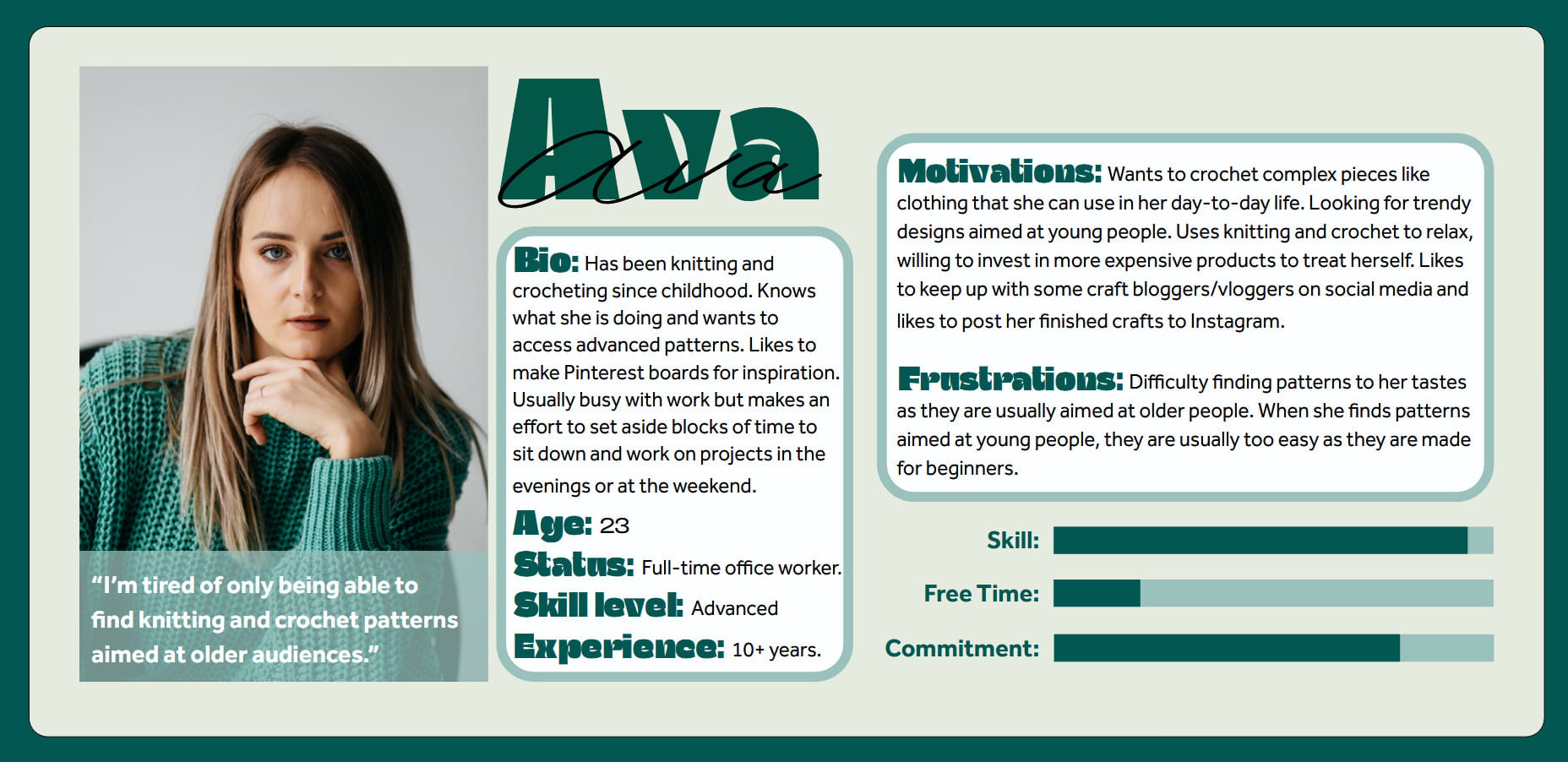
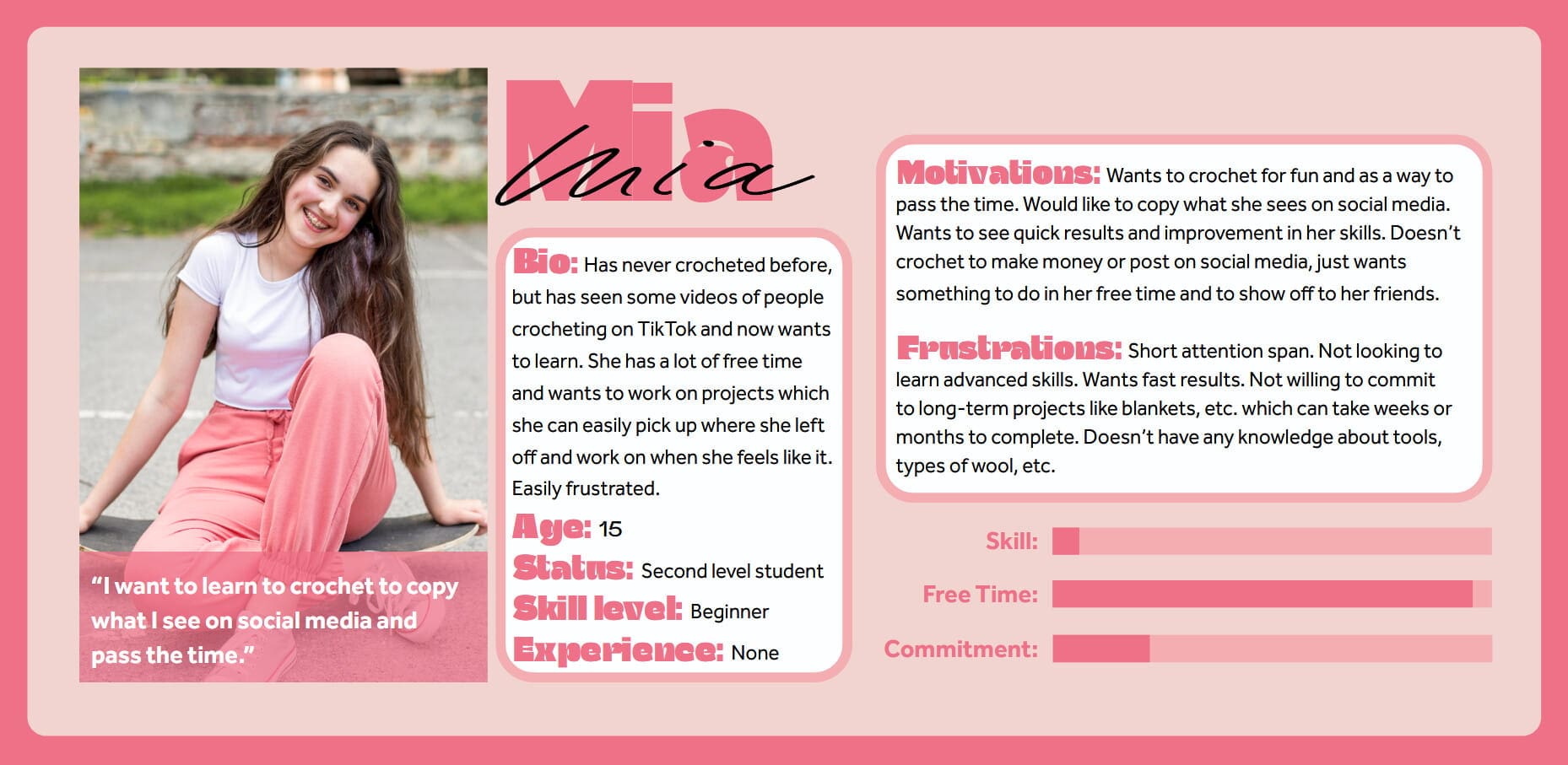
For the next phase of my research, I focused on user experience via creating personas.
I used these personas to come up with scenarios to guide my design of the website.
Persona APersona B
Navigation Architechture
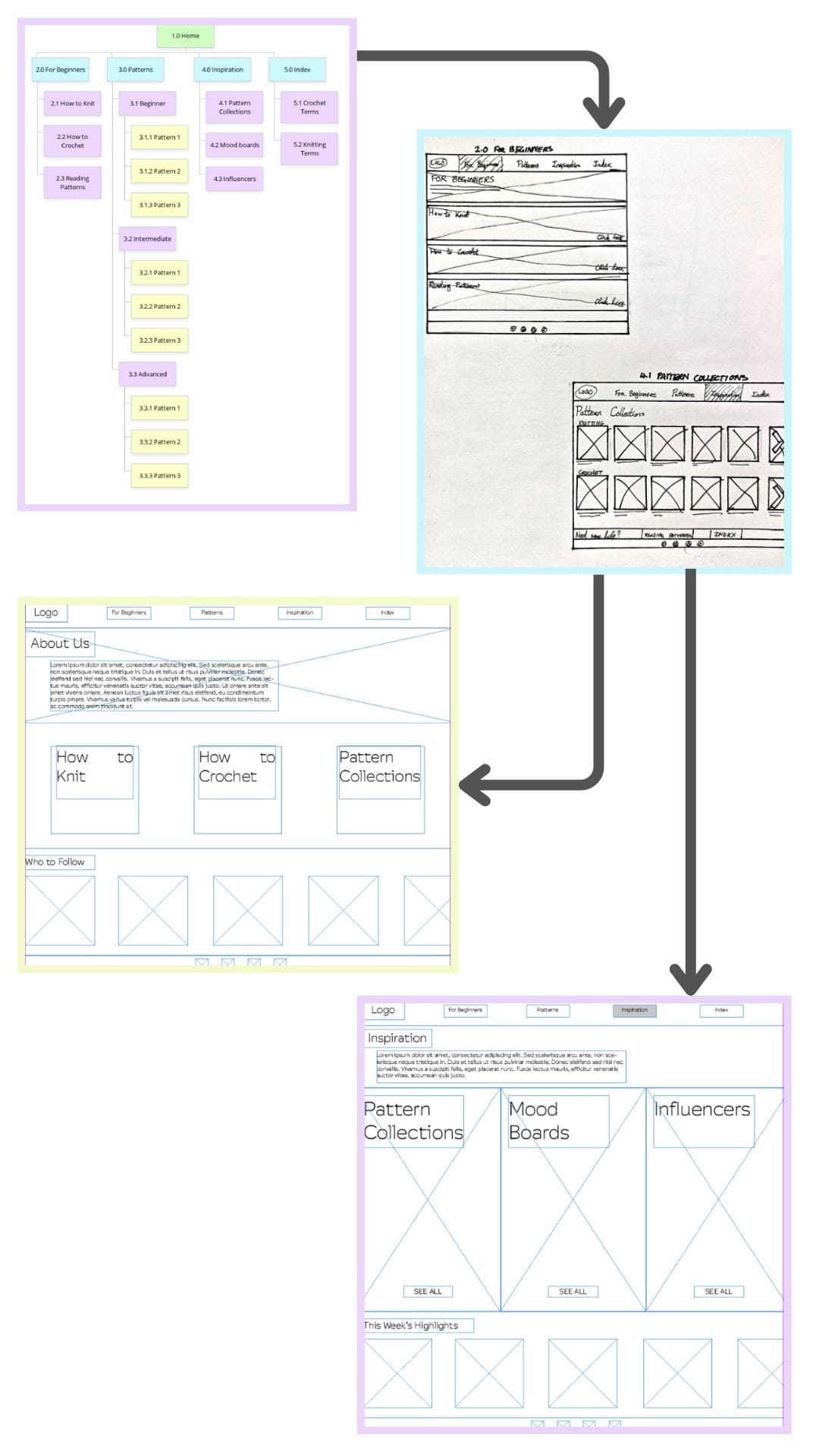
I constructed a sitemap, then wireframe sketches on paper, and finally digital
wireframes.
The process
Visual Design
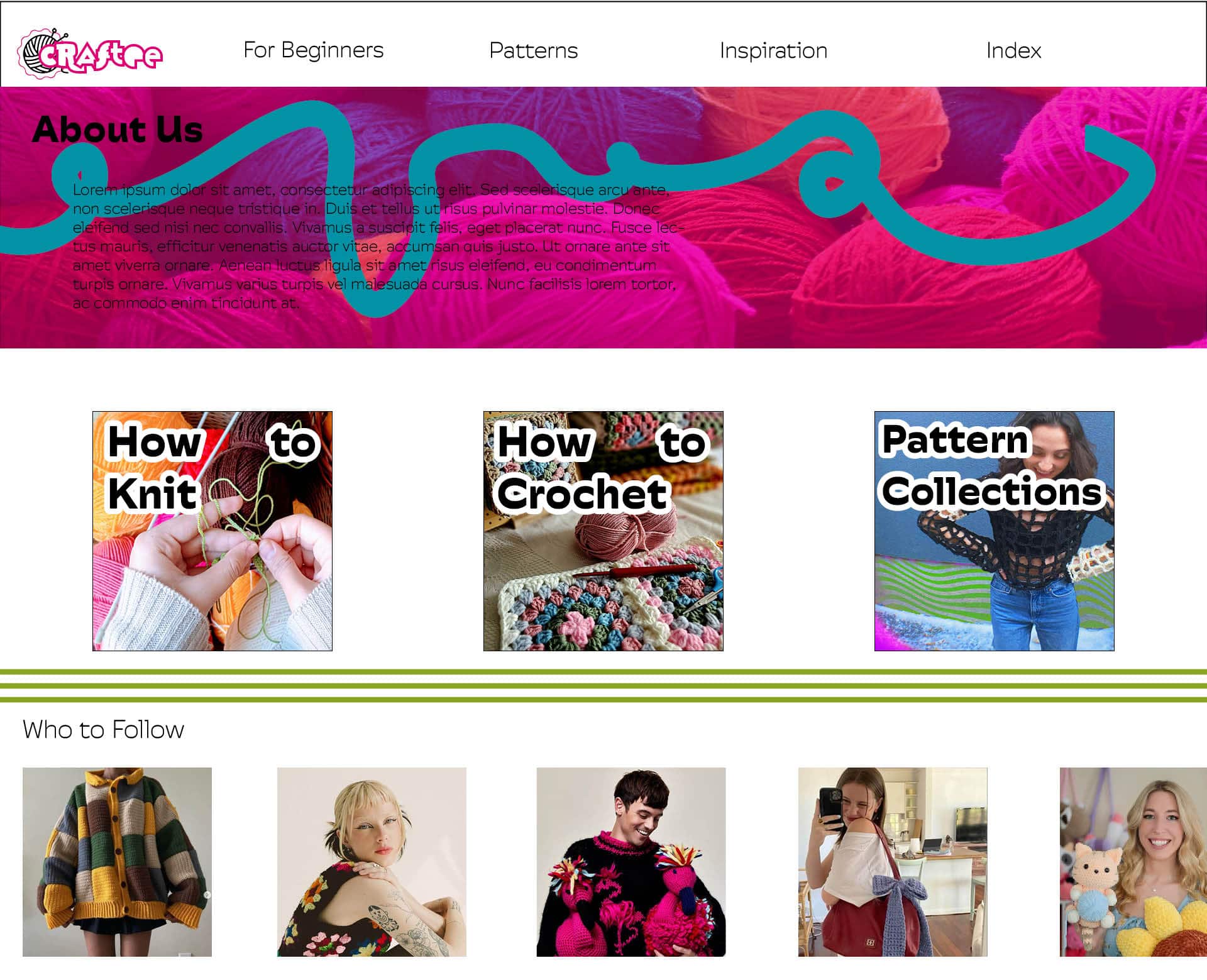
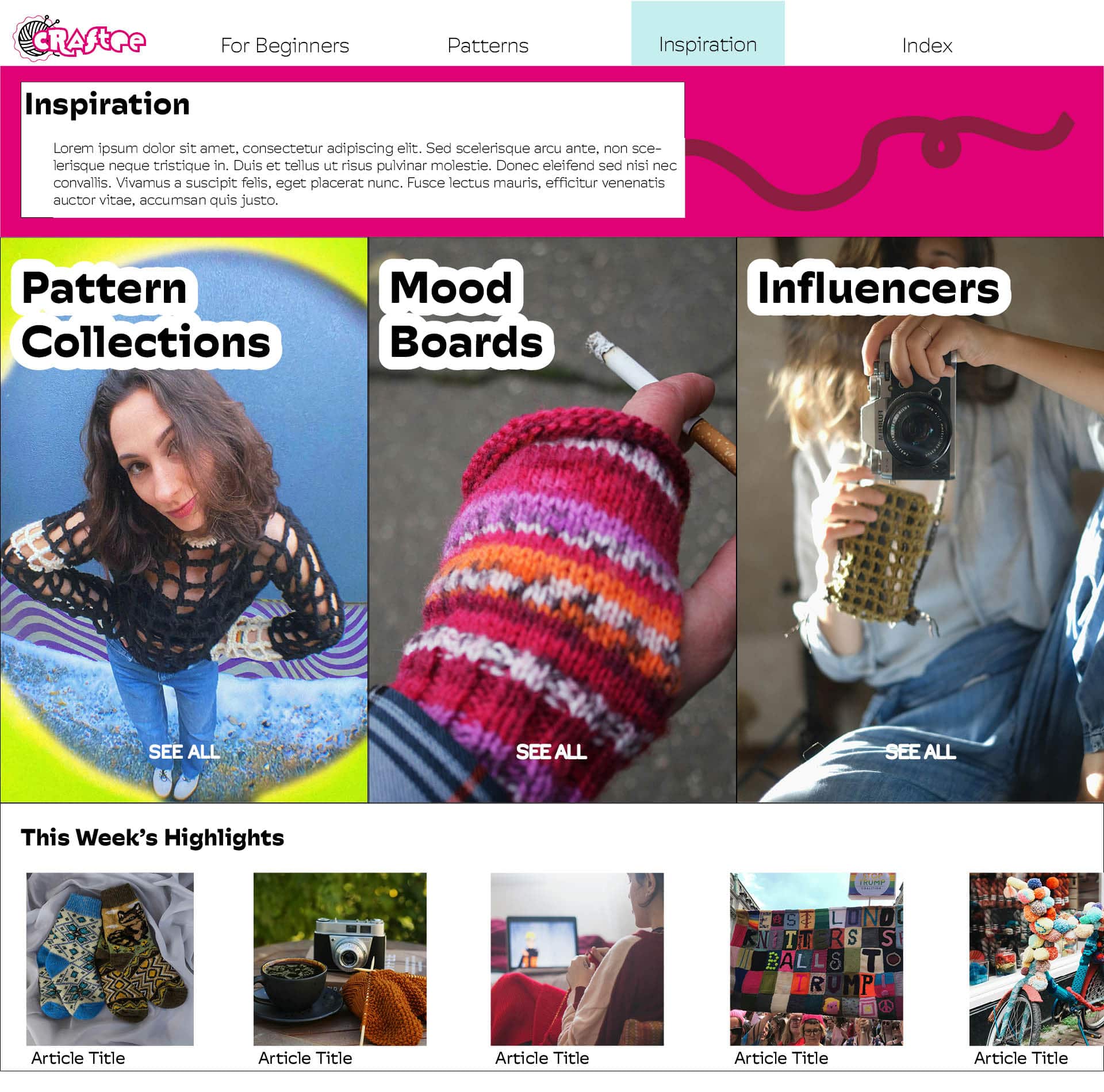
I created mock-ups of two of my pages, using the logo and branding I designed.
Mockup AMockup B
Excel Plane Model
Maths for Graphics and Statistics
I used VBA code in Excel to create interactive 2D and 3D models of a plane using matrix
algebra and cubic splines to transform and animate the model as well as generate solid and
wireframe views.
This taught me a lot about my ability to apply concepts learned in one programming language
(such as JavaScript) to quickly develop proficiency in another language I have no prior
experience with such as VBA.
2D Model
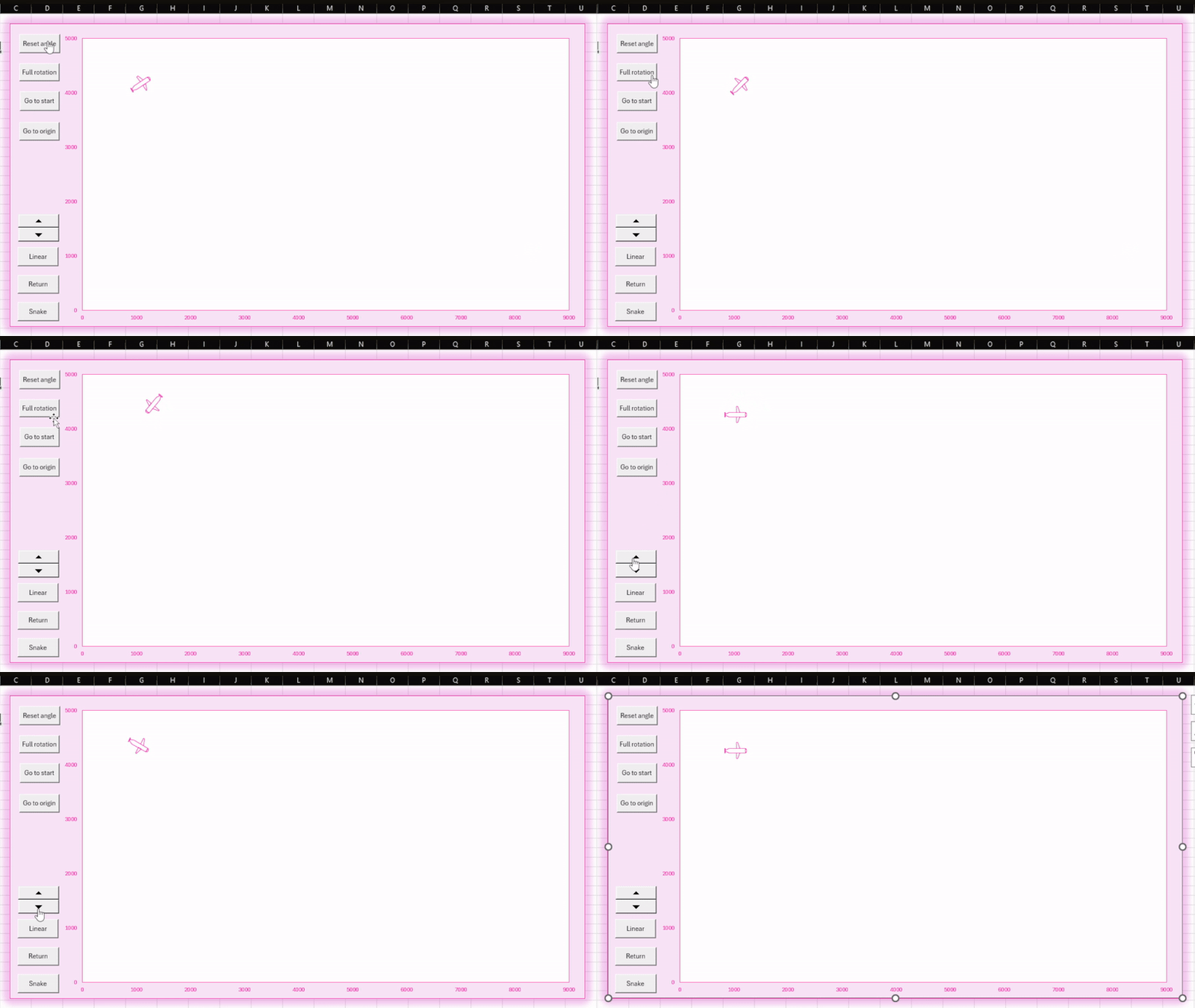
I represented a simple 2D model of a plane on a scatter graph in Excel. I then set up
matrix calculations to transform and move the plane.
Excel sheet of calculations
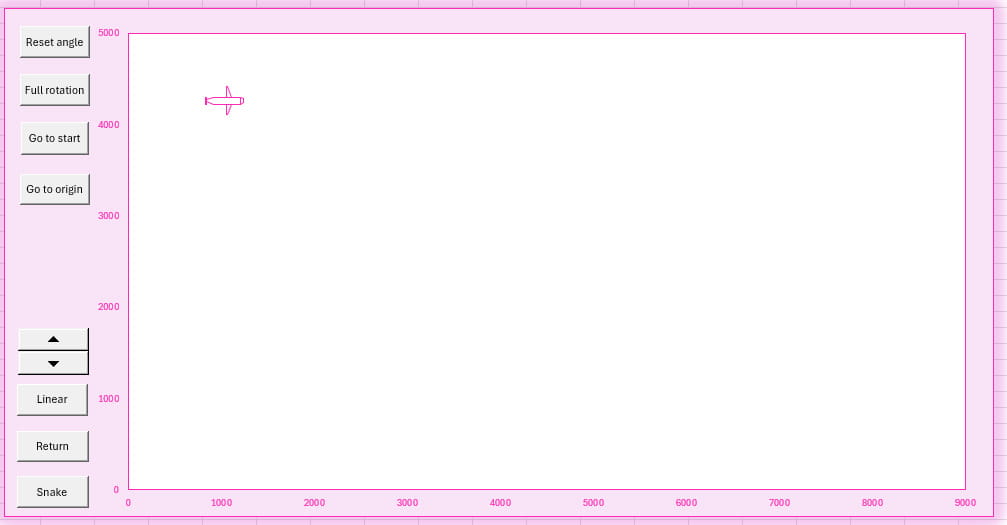
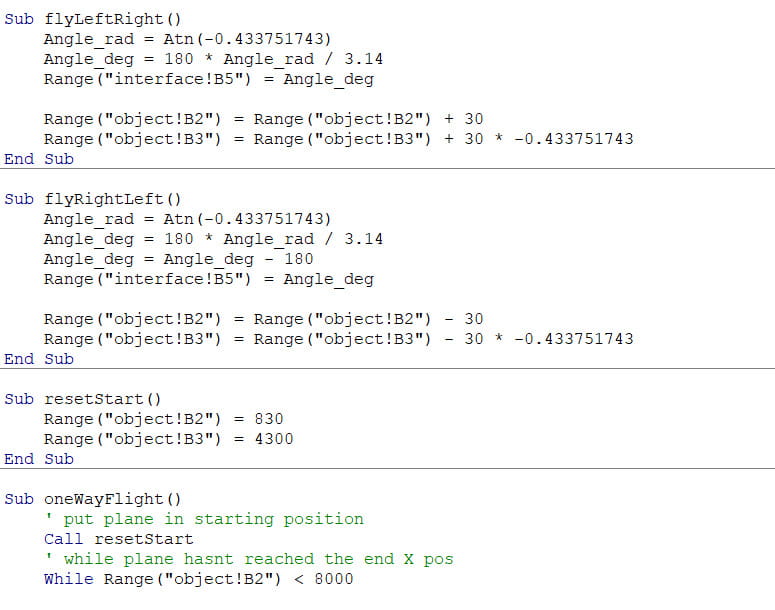
Next, I used VBA code to animate the movement of the plane using conditional statements
and loops. I created a simple user interface and linked the buttons to the VBA code.
The interfaceSome of the VBA code
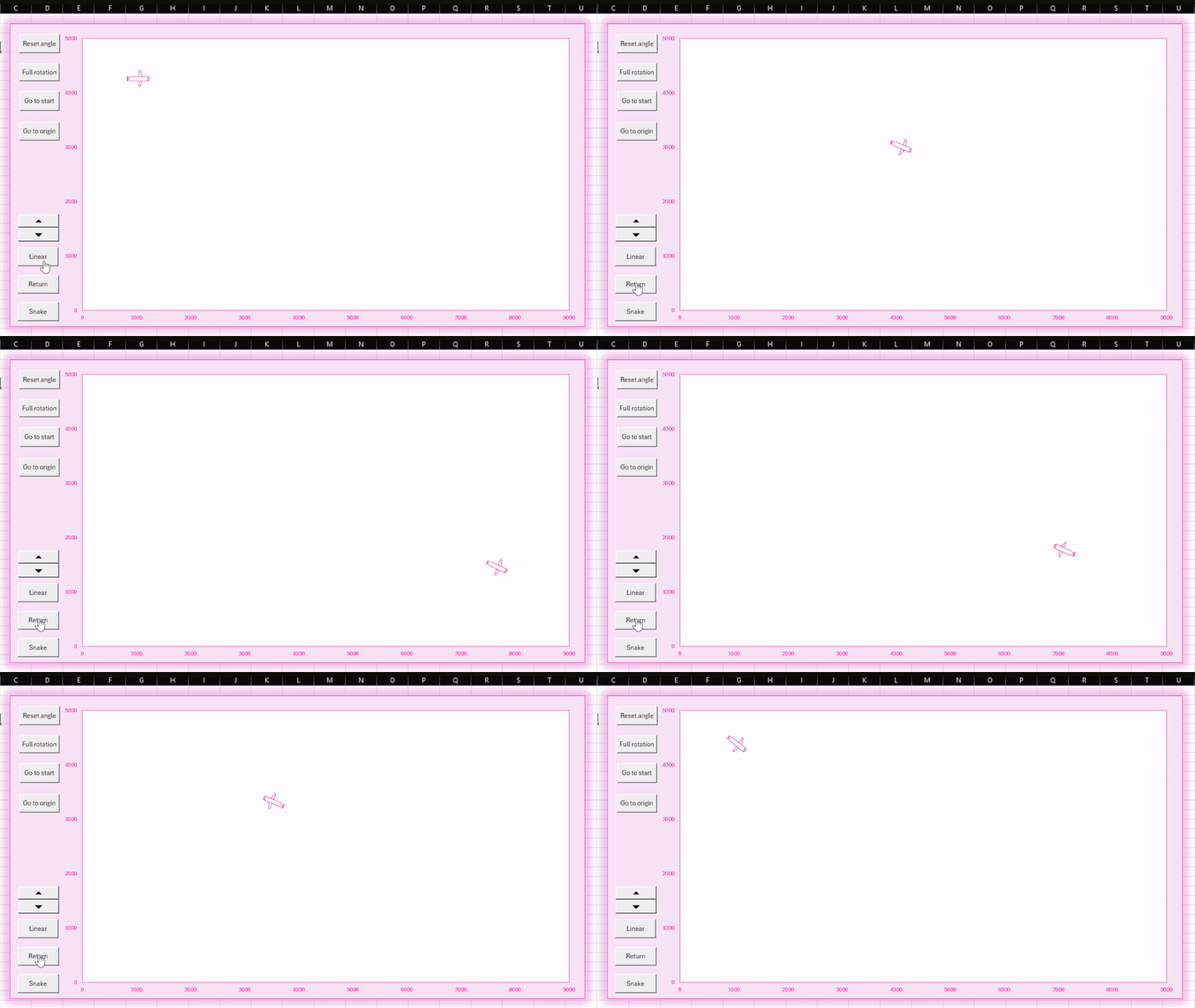
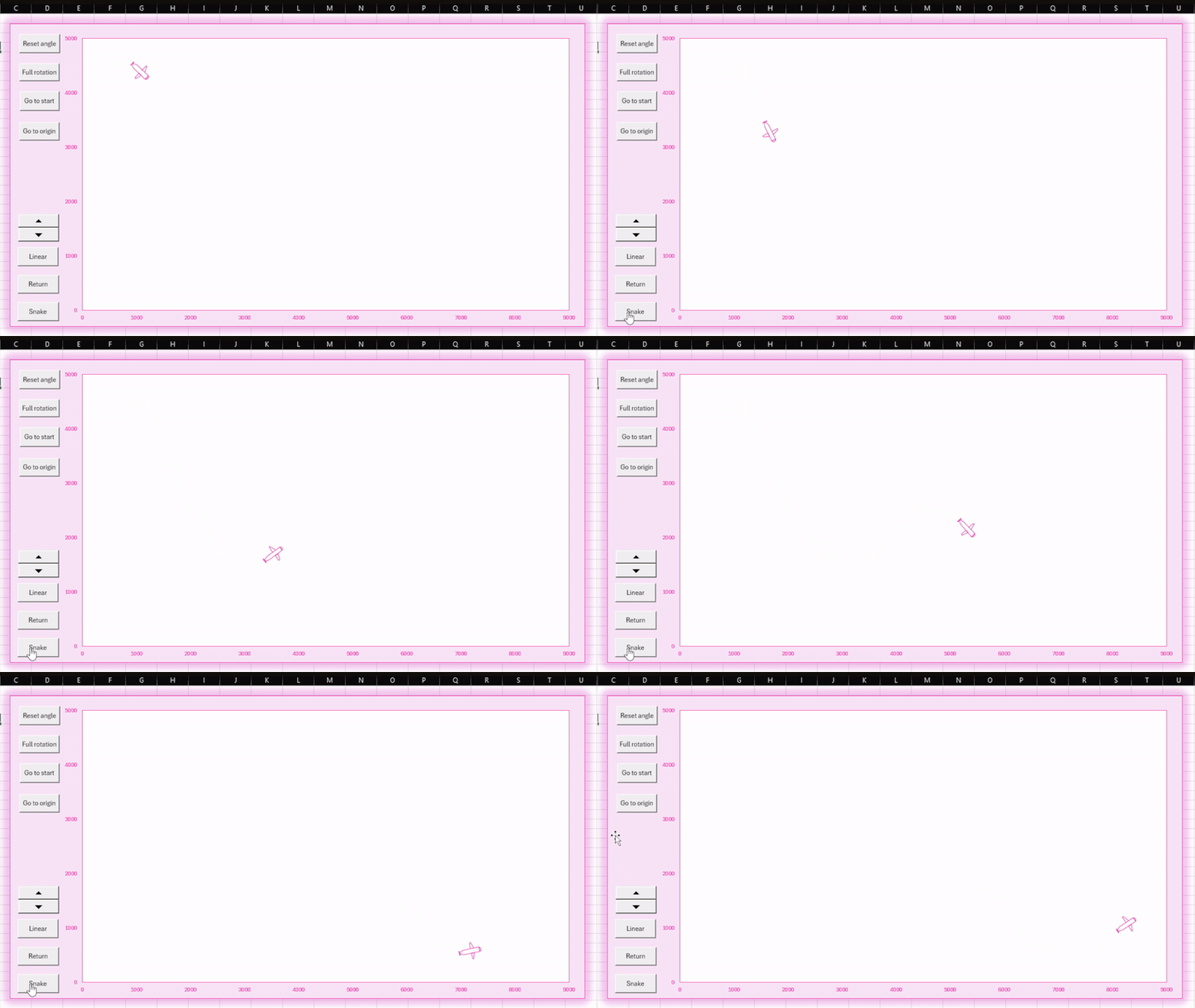
The plane can fly in a straight line, fly and return to the starting point, or fly along
the path of a cubic spline. There are also other controls to rotate and move the plane.
Plane follows a linear path and returnsPlane follows a cubic splineOther controls
3D Model
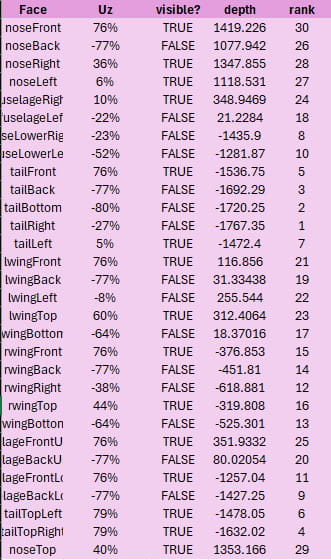
I determined the coordinates of each point of a simple 3D plane model and which faces
they belonged to. I then respresented this model on a scatter graph in Excel. Again, I
set up matrix calculations to transform and move the plane, this time in 3D.
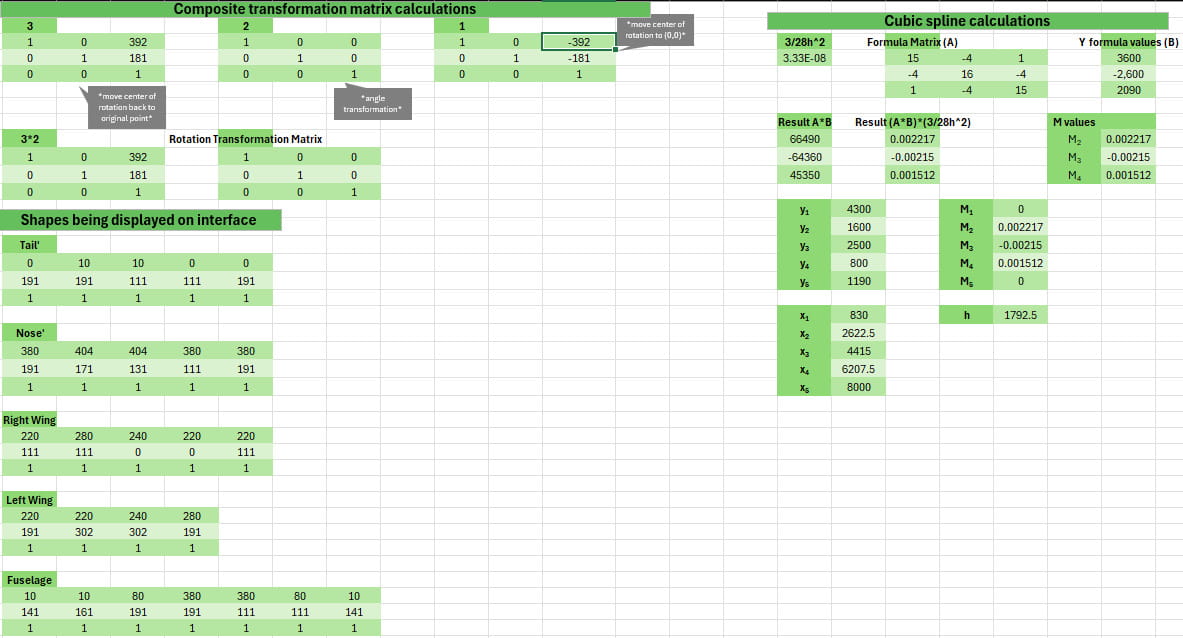
I also calculated the average depth, illumination factor, and visibility of each face
with respect to parallel projection to help me to render wireframe and solid views of
the plane. The average depth was ranked from furthest to closest to solve the Painter's
Algorithm and render the solid plane with lighting effects.
Some of the Excel calculations
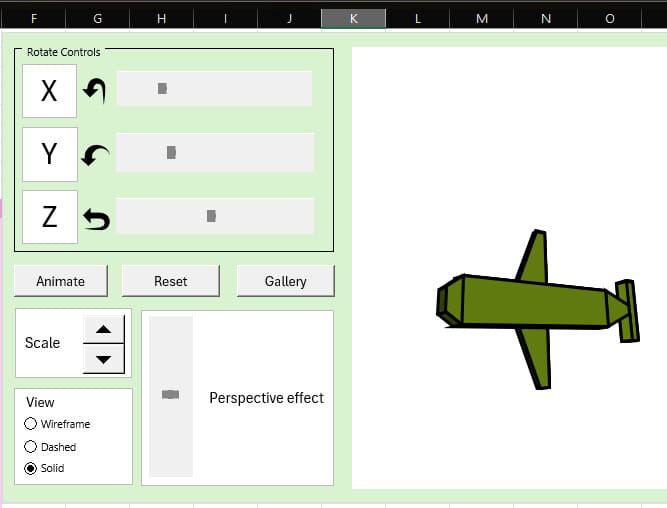
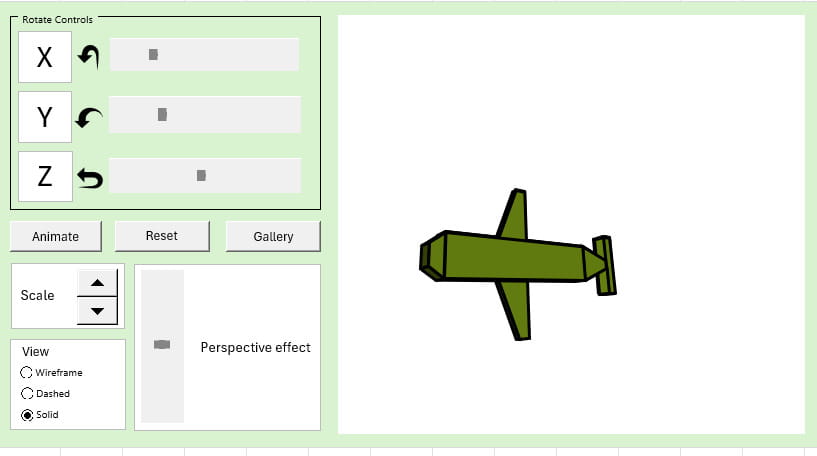
I made another simple UI with controls that made more sense for a 3D model, and wrote
VBA to transform the plane.
The interface
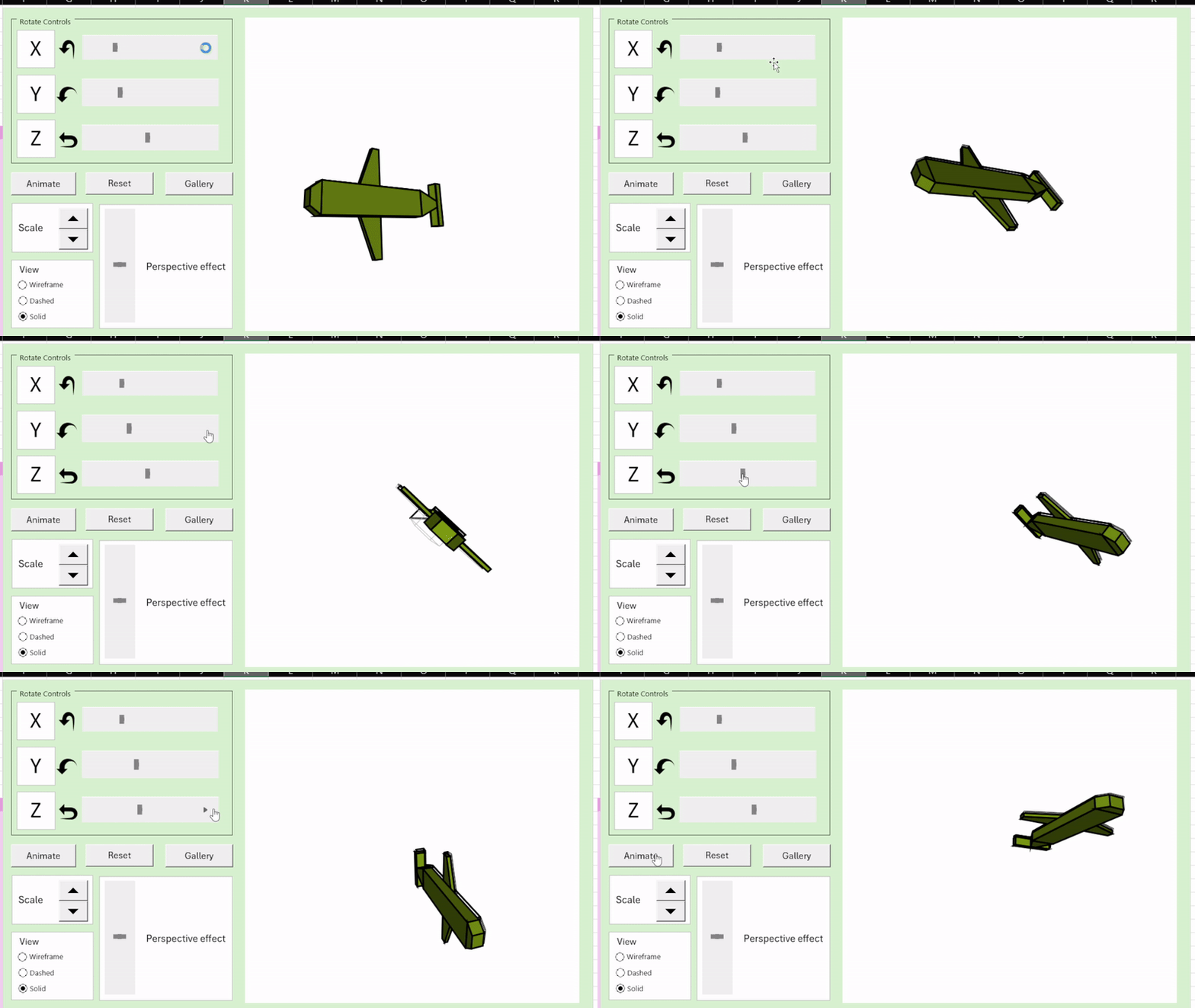
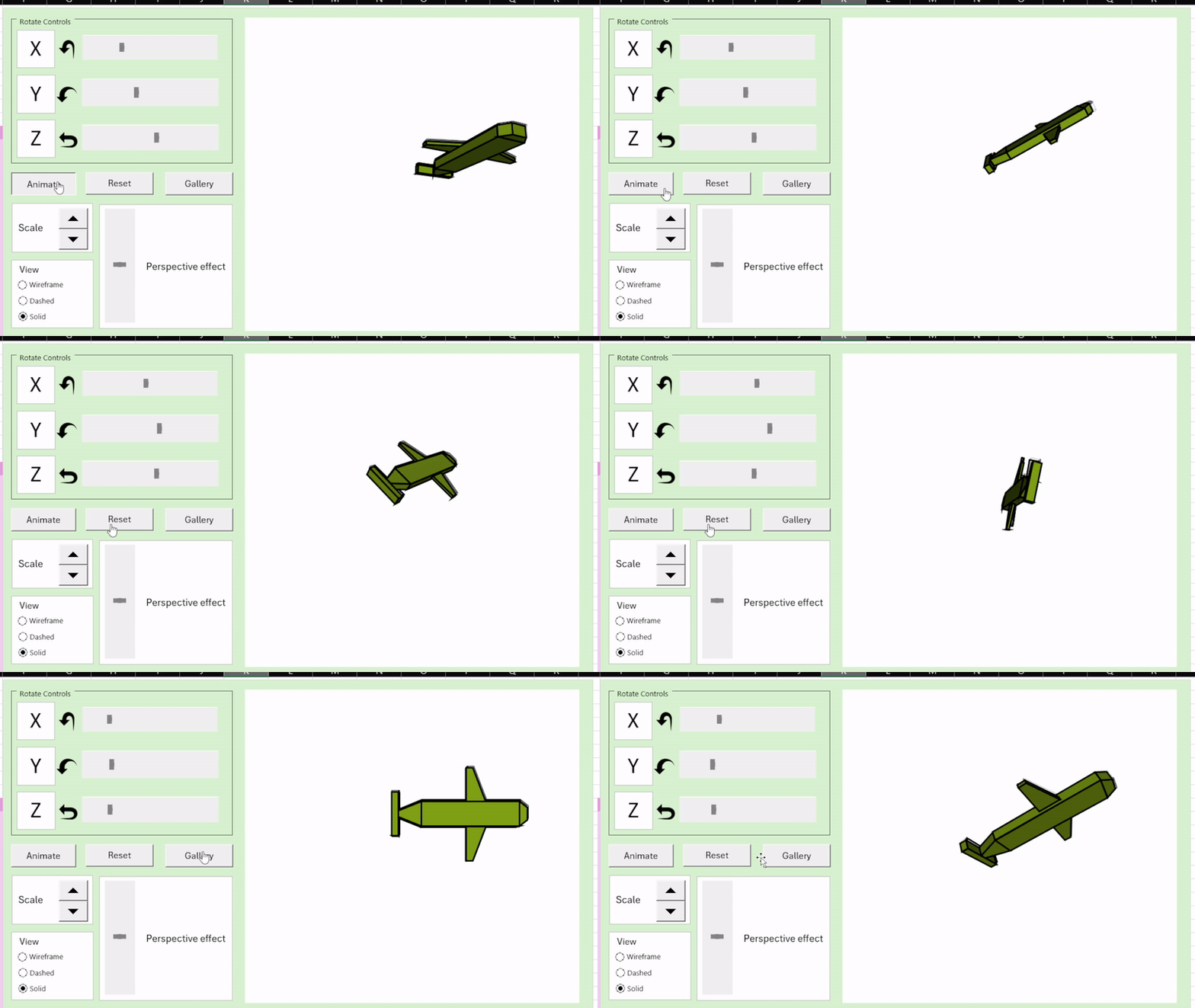
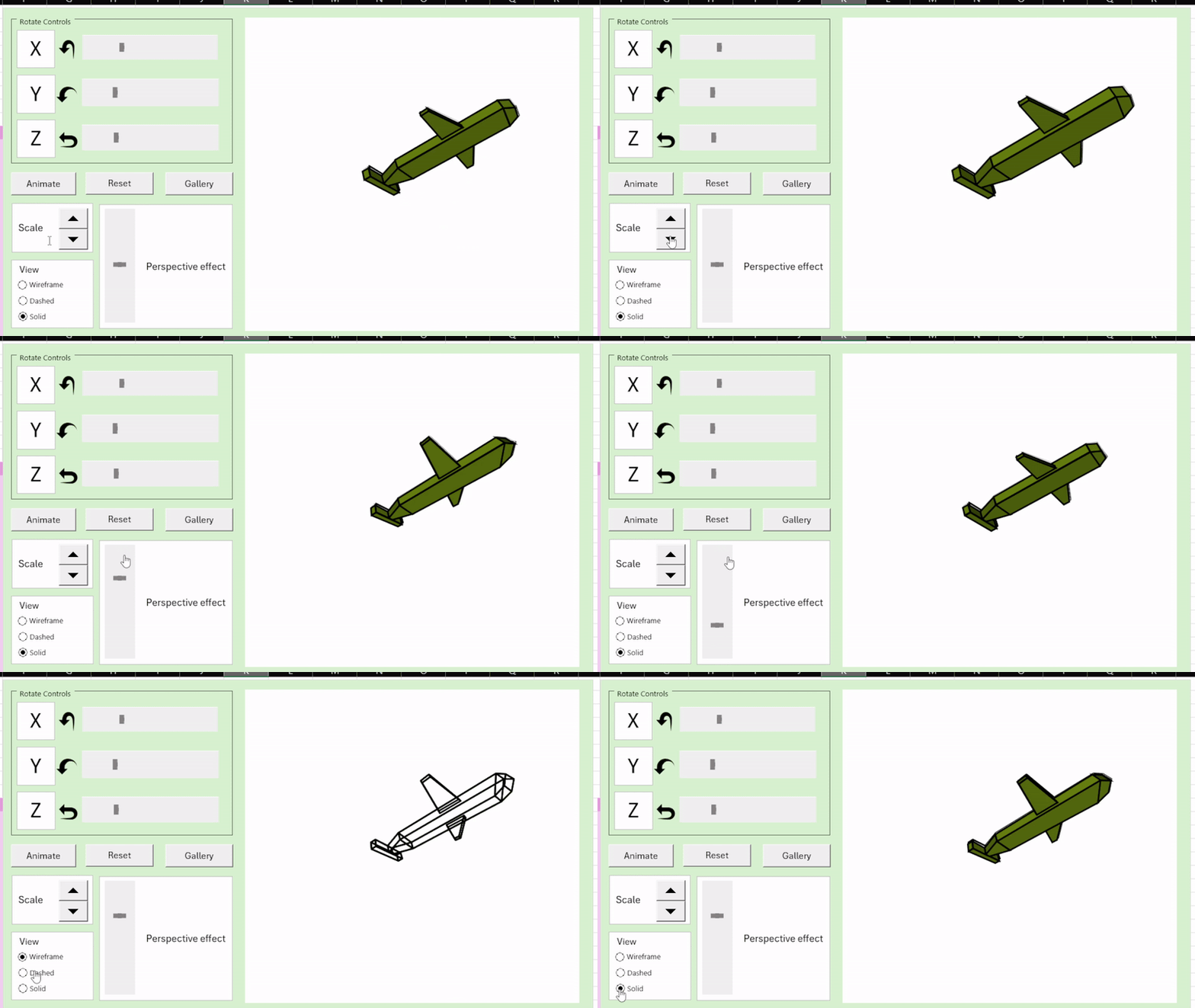
The plane can be rotated in all three directions, scaled, and the perspective and view
can be changed. There is a gallery of poses and a small animation as well.
Rotation controlsAnimate, Reset, GalleryDifferent views, scales, and perspective effects
The Administration (Short Film Concept)
Pipeline Design Concepts
I created concepts for two film ideas for my Pipeline Design Concepts class. This included
scripts, beatboards, storyboards, call sheets, and animatics with voice acting and sound
design, which I then pitched to my classmates in a presentation.
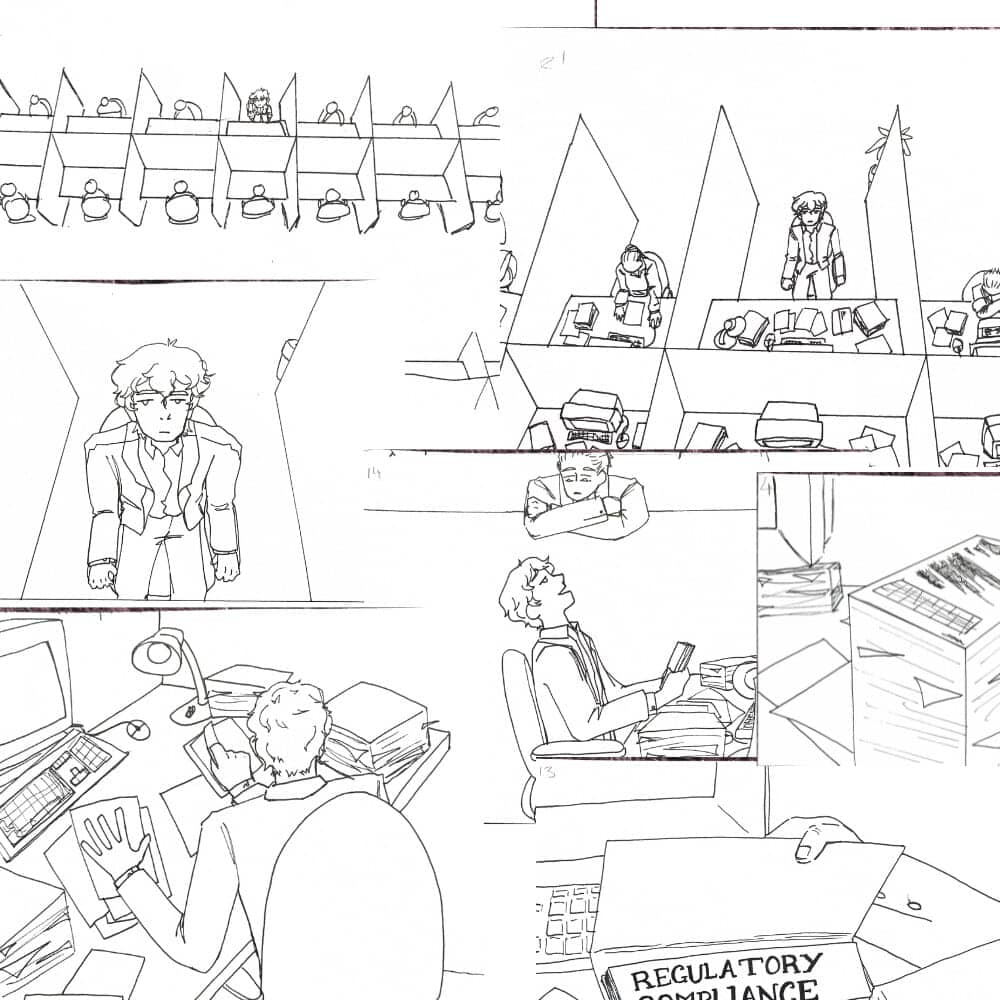
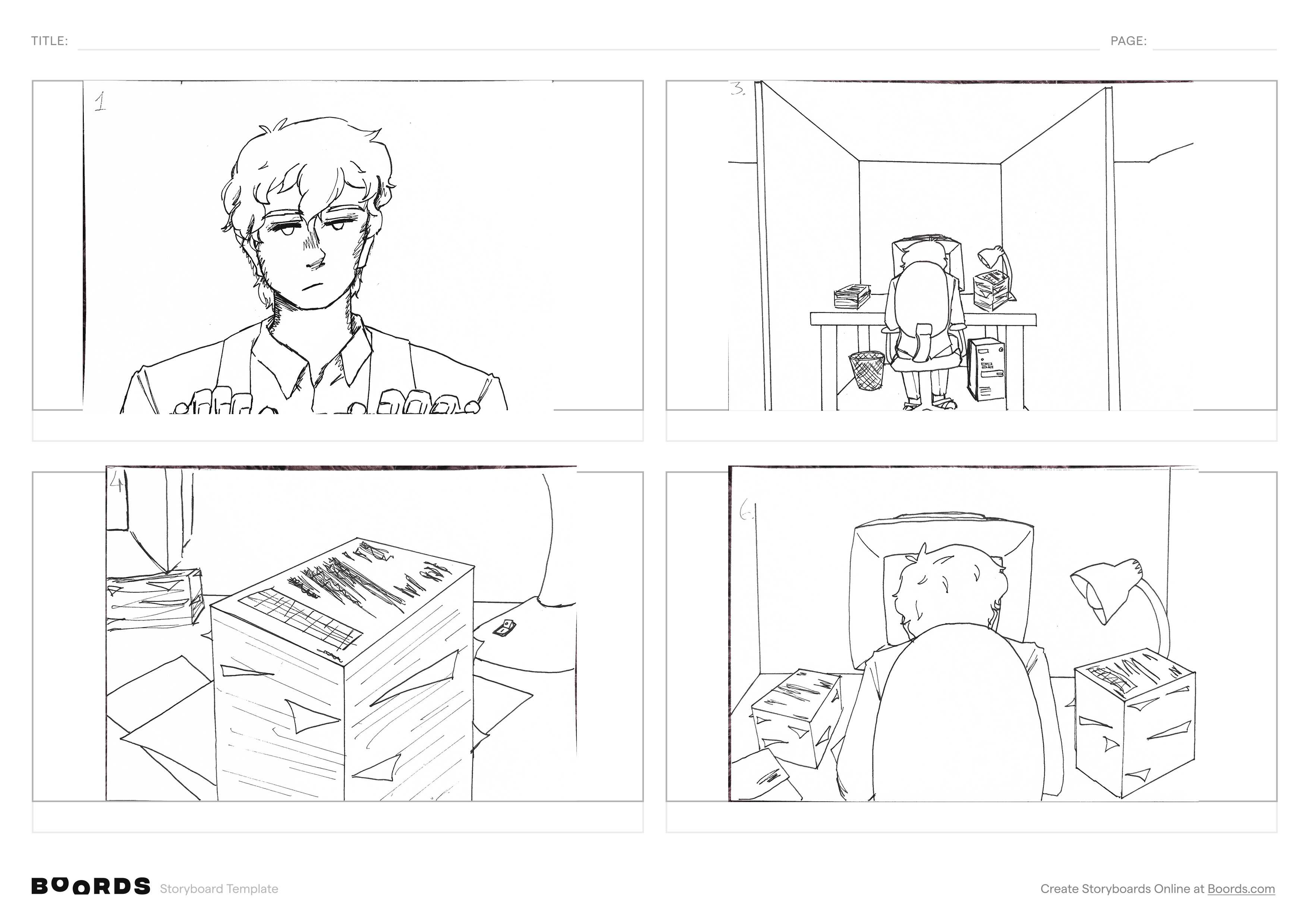
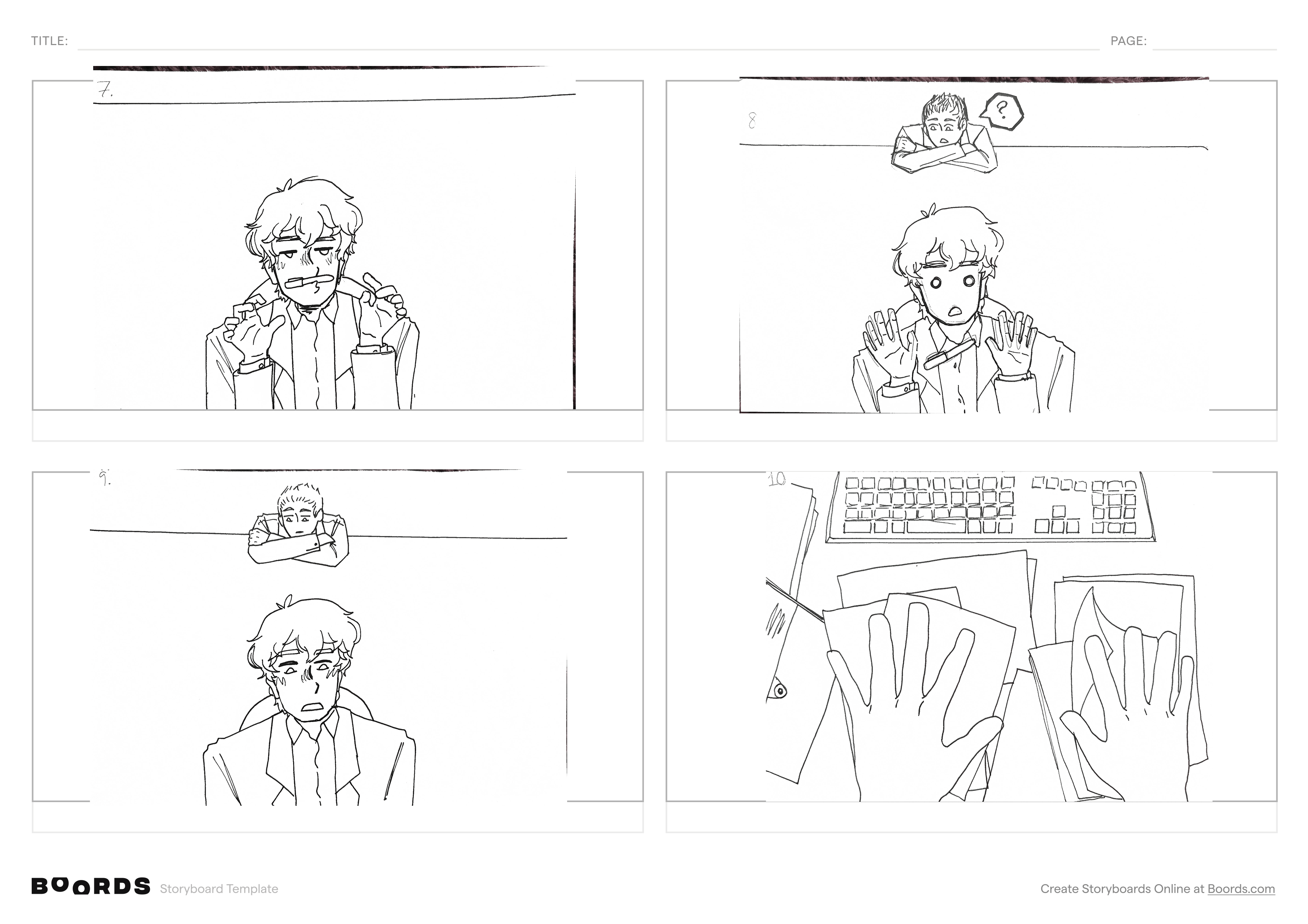
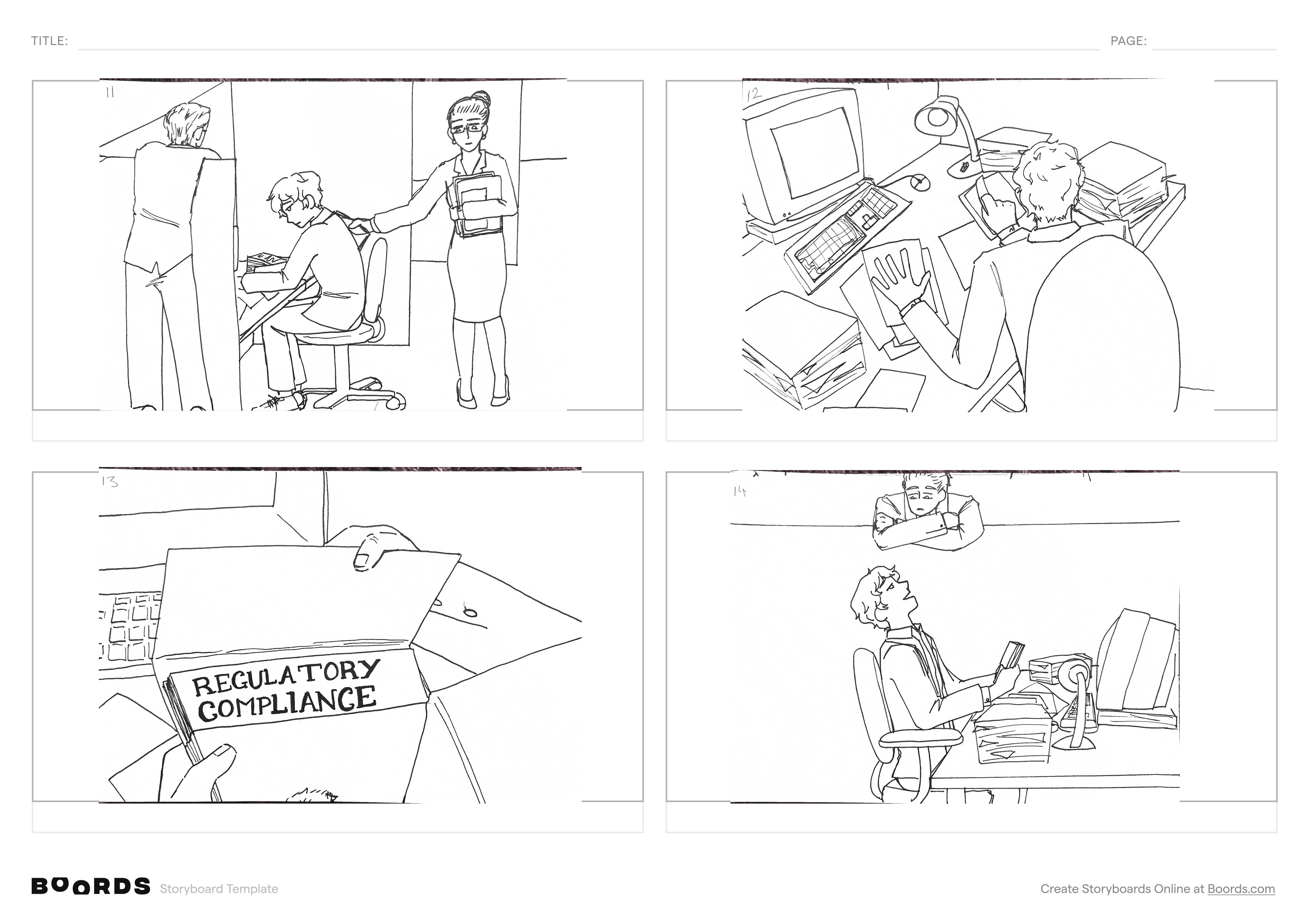
This concept is for a short film called 'The Administration'. It was inspired by sci-fi
films like Inception and "backrooms" aesthetics.
Storyboards
The starting sequence of storyboards are below.
Storyboard 1Storyboard 2Storyboard 3
Animatic
The Alien (Animated Short Film)
2D Animation
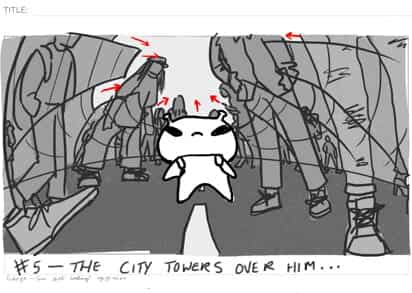
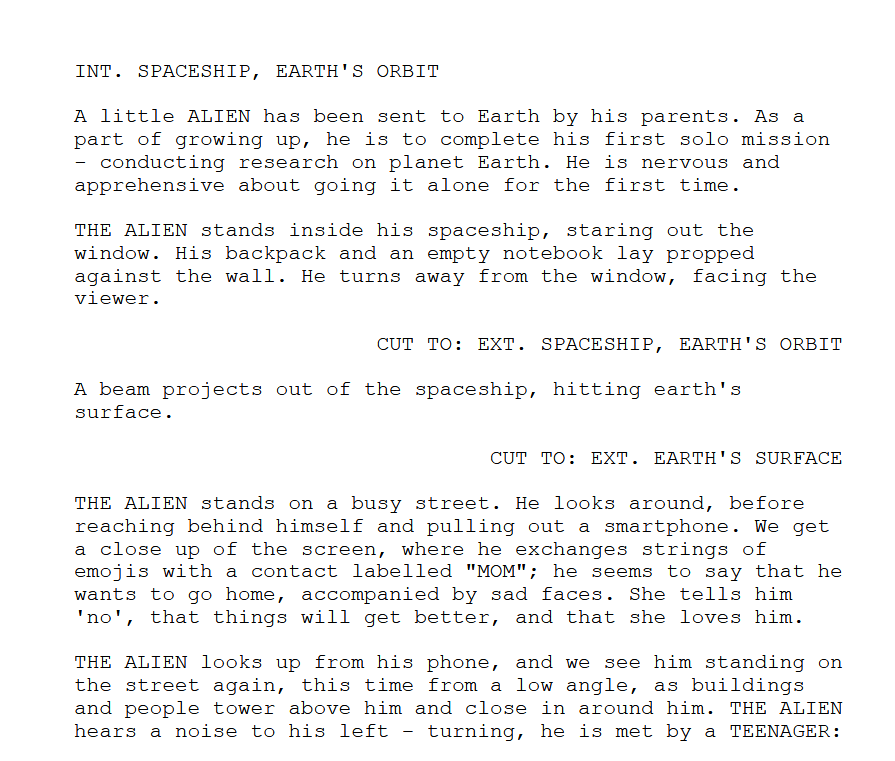
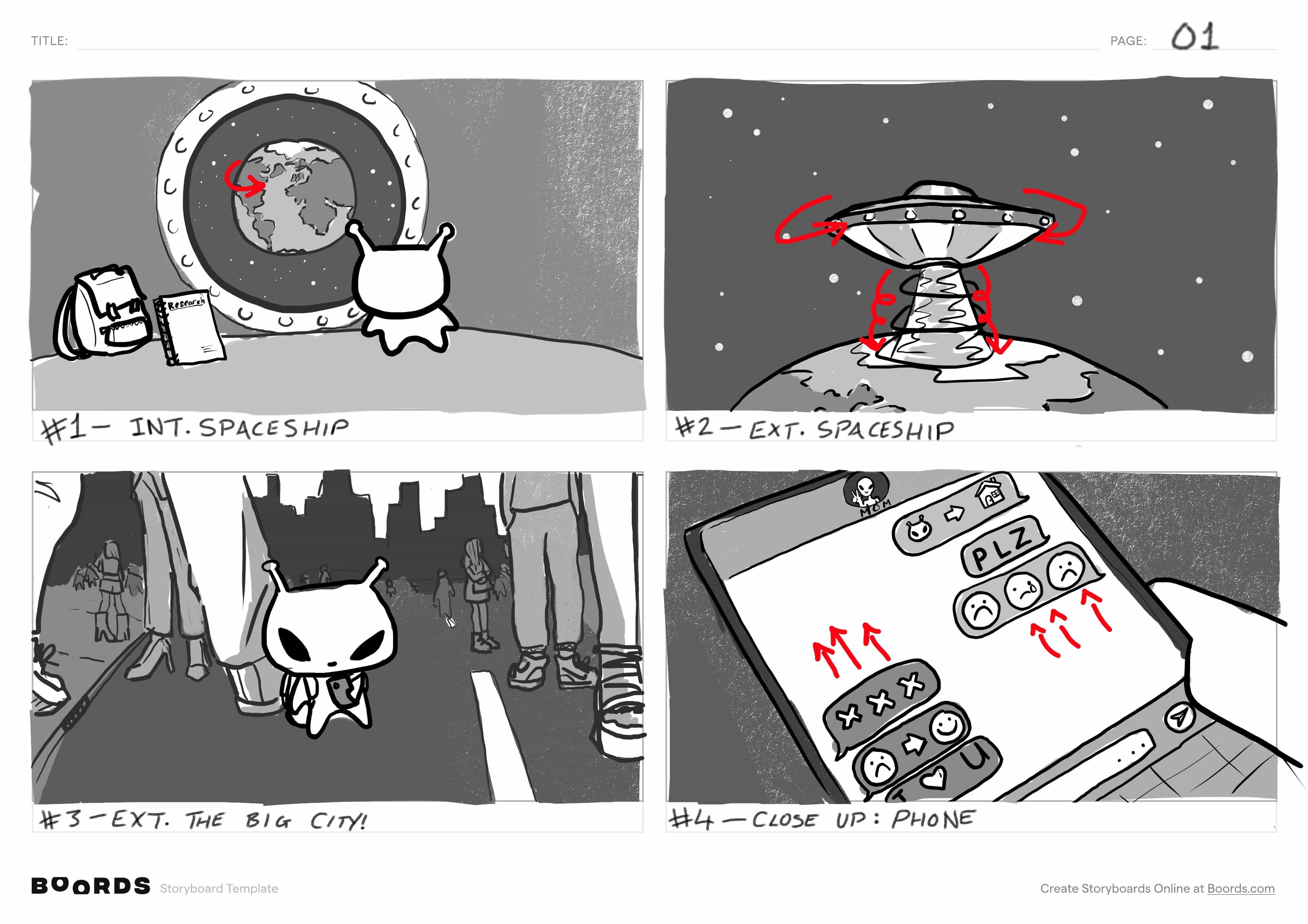
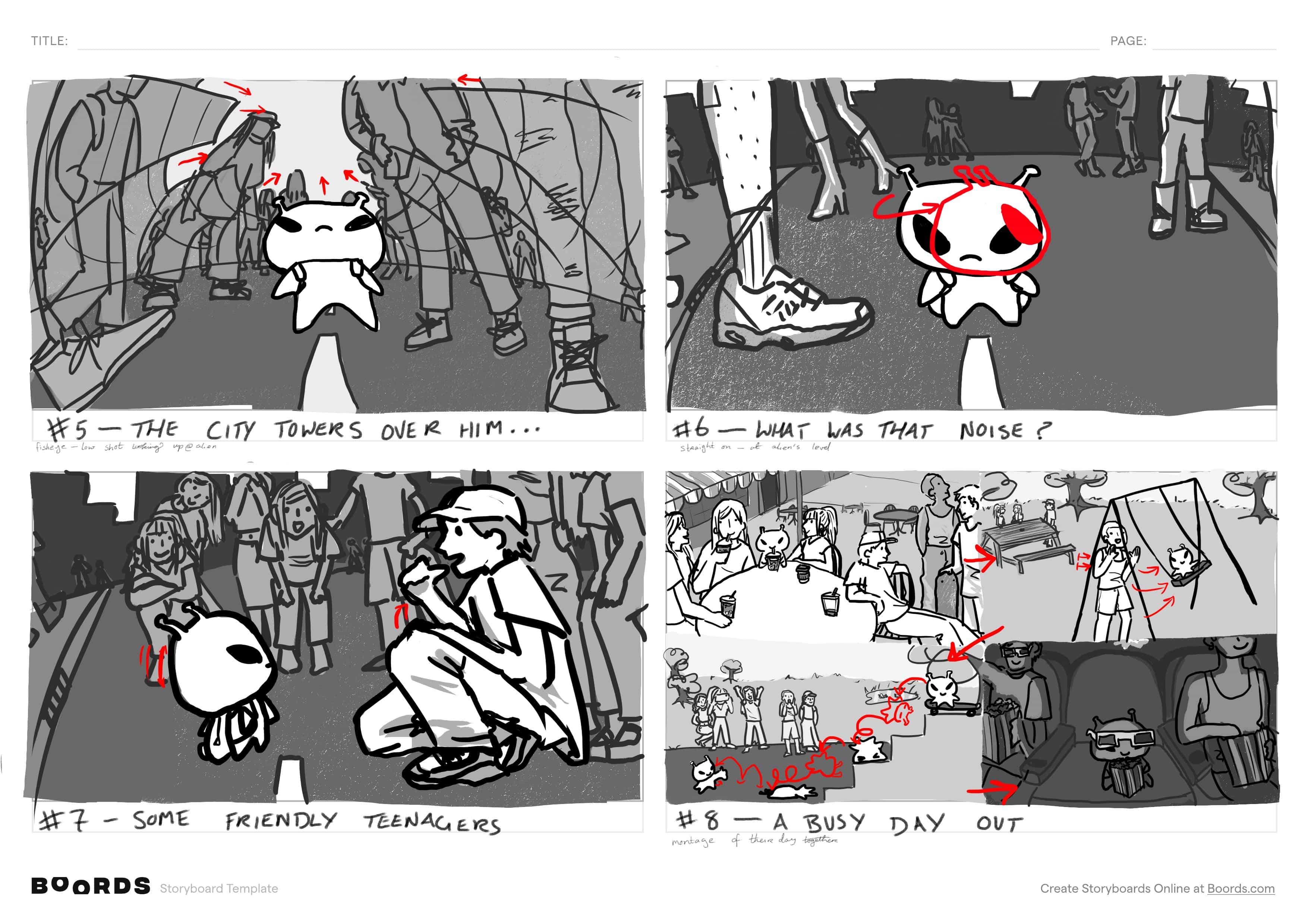
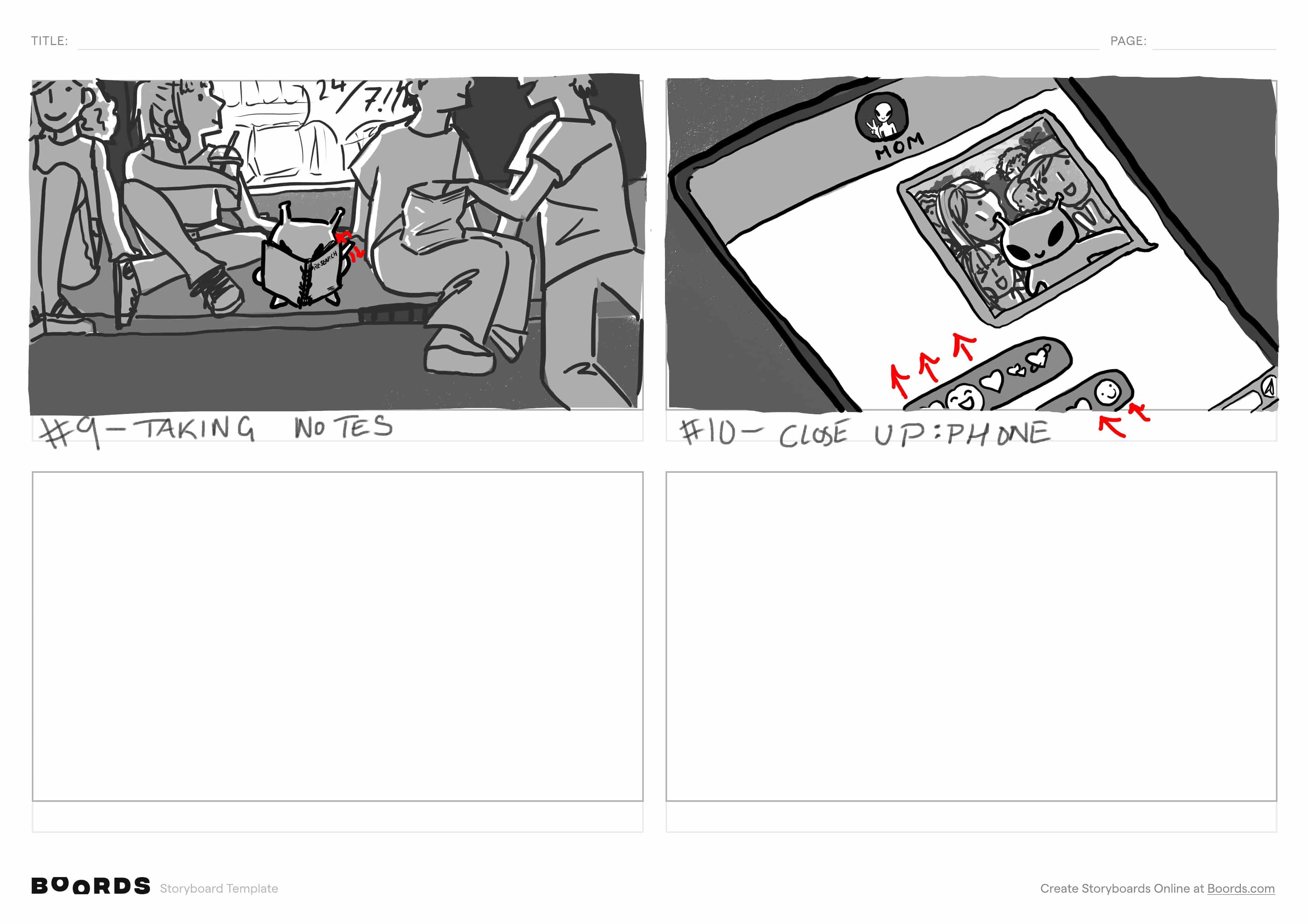
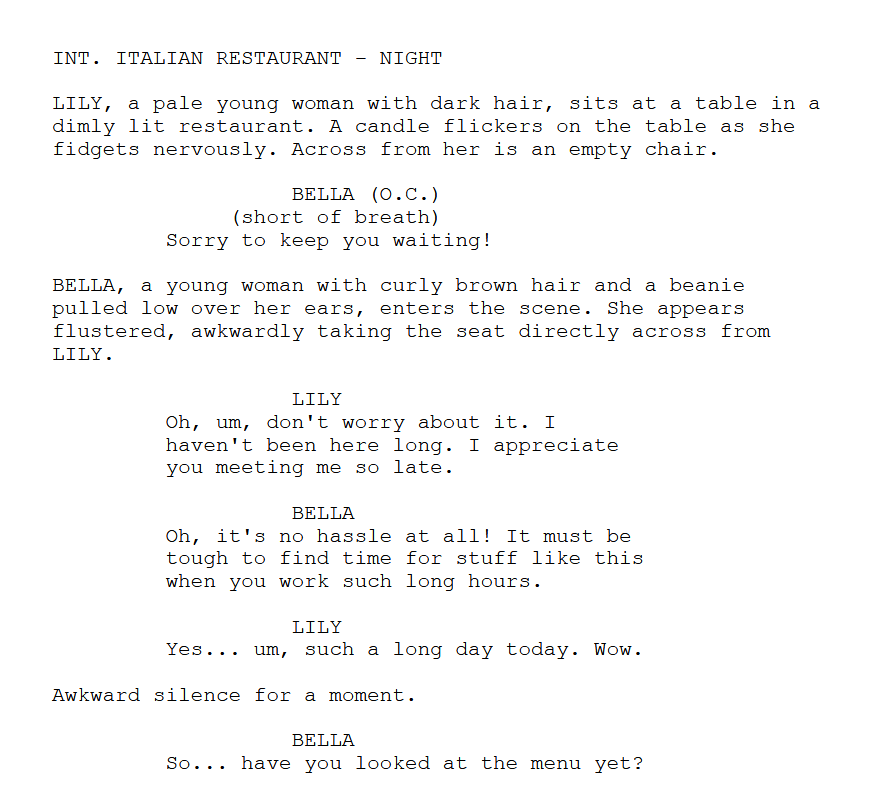
I created a script, storyboards, test animations, and finally a full animated snippet for an
original animated short film for my 2D animation class.
The animated snippet can be found on
YouTube. I have
also chronicled the project from start to finish here.
Script and Storyboards
An excerpt from the scriptStoryboard 1Storyboard 2Storyboard 3
Animated Snippet
Newspaper Database
Database Fundamentals
I compiled a design document and built a relational database for a newspaper company in
MySQL with a catalogue of sample queries for my Database Fundamentals class.
Building the database from scratch taught me a huge amount about relational databases and
how they are applied to real world scenarios.
Design Document
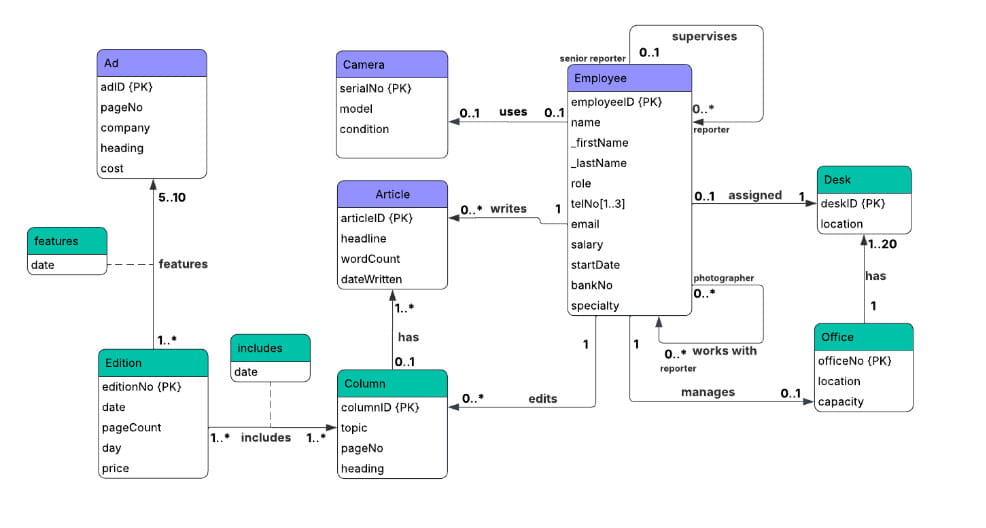
I started off with a description of the system, identifying the entities, relationships,
and cardinality. I translated this into an ER diagram.
ER diagram
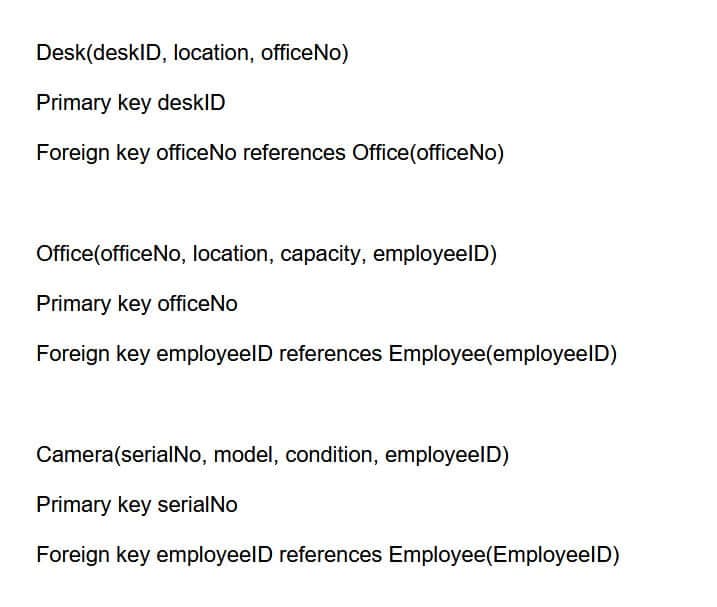
I then used the ER diagram as the basis for my logical data model. I identified
participation constraints, multivalued attributes, and resolved many-to-many
relationships.
Snippet of logical data model
SQL Implementation
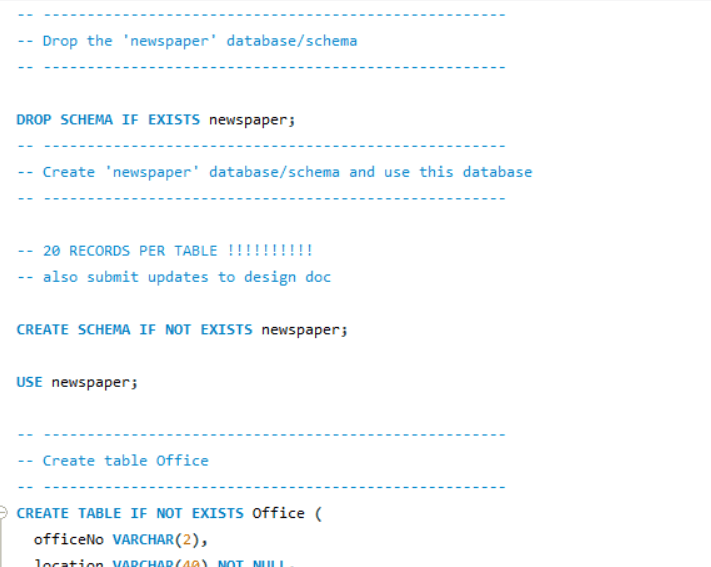
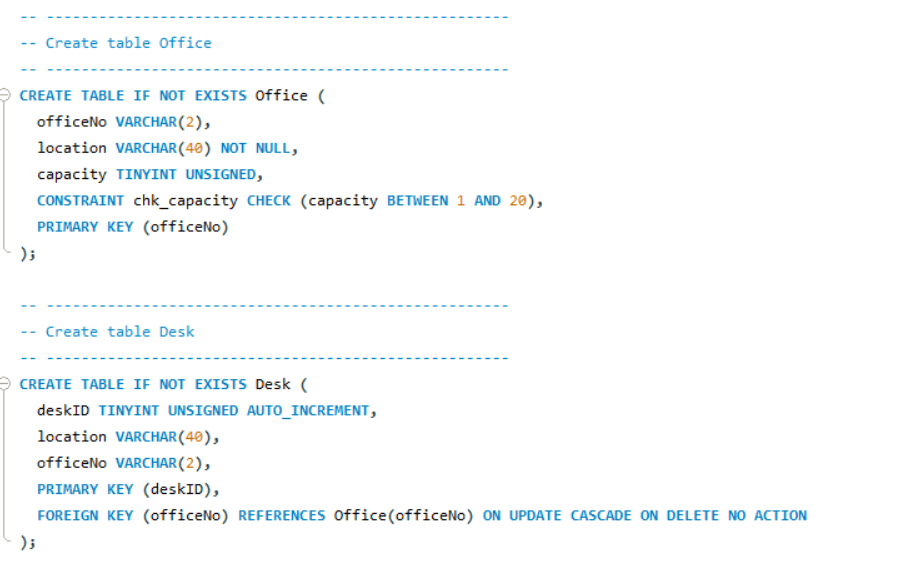
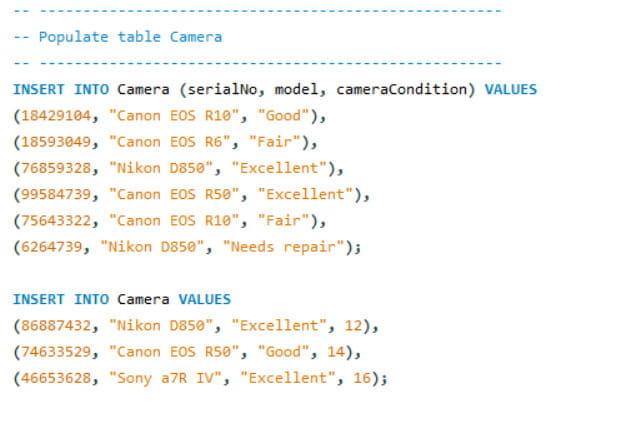
I created tables in the database and populated them with data.
Creating tablesPopulating tables
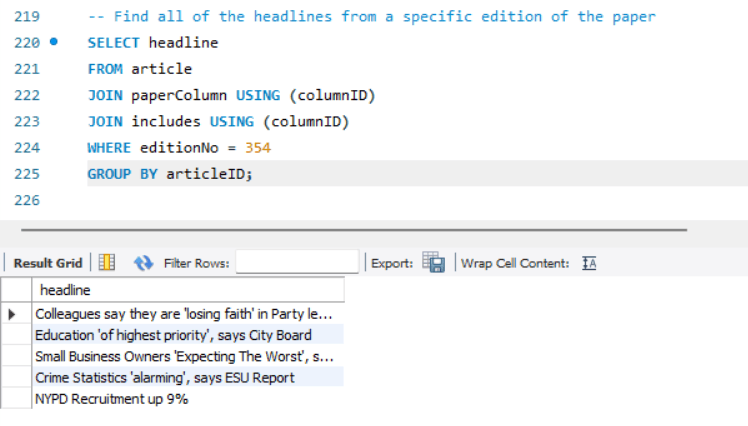
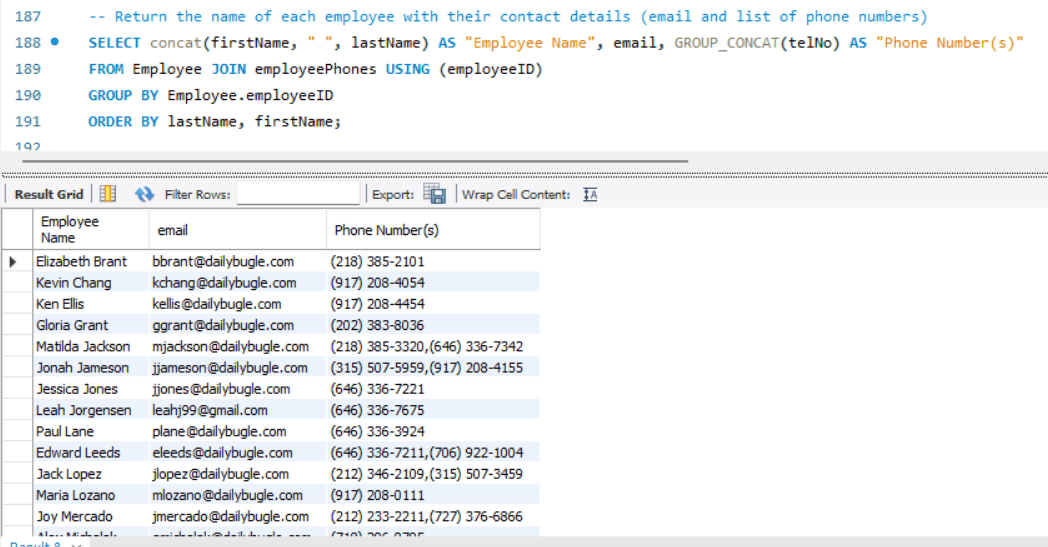
In a seperate SQL script, I created a list of sample queries.
A query and its outputAnother query and its output
Things That Go Bump in the Night (Short Film Concept)
Pipeline Design Concepts
I created concepts for two film ideas for my Pipeline Design Concepts class. This included
scripts, beatboards, storyboards, call sheets, and animatics with voice acting and sound
design, which I then pitched to my classmates in a presentation.
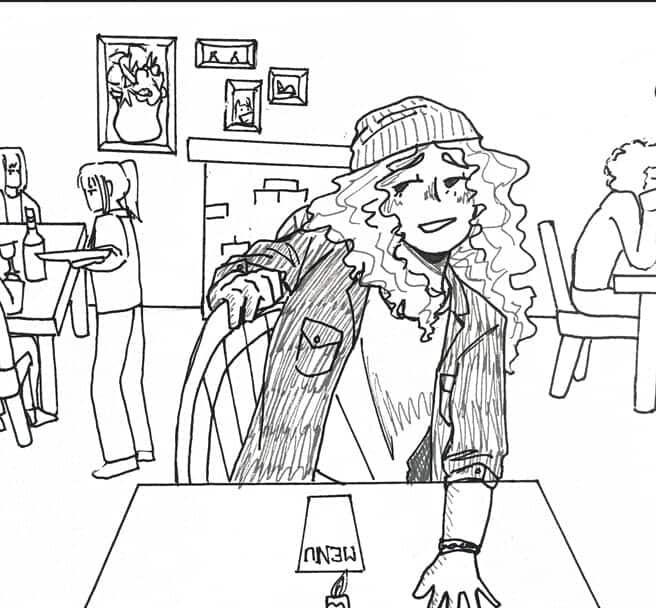
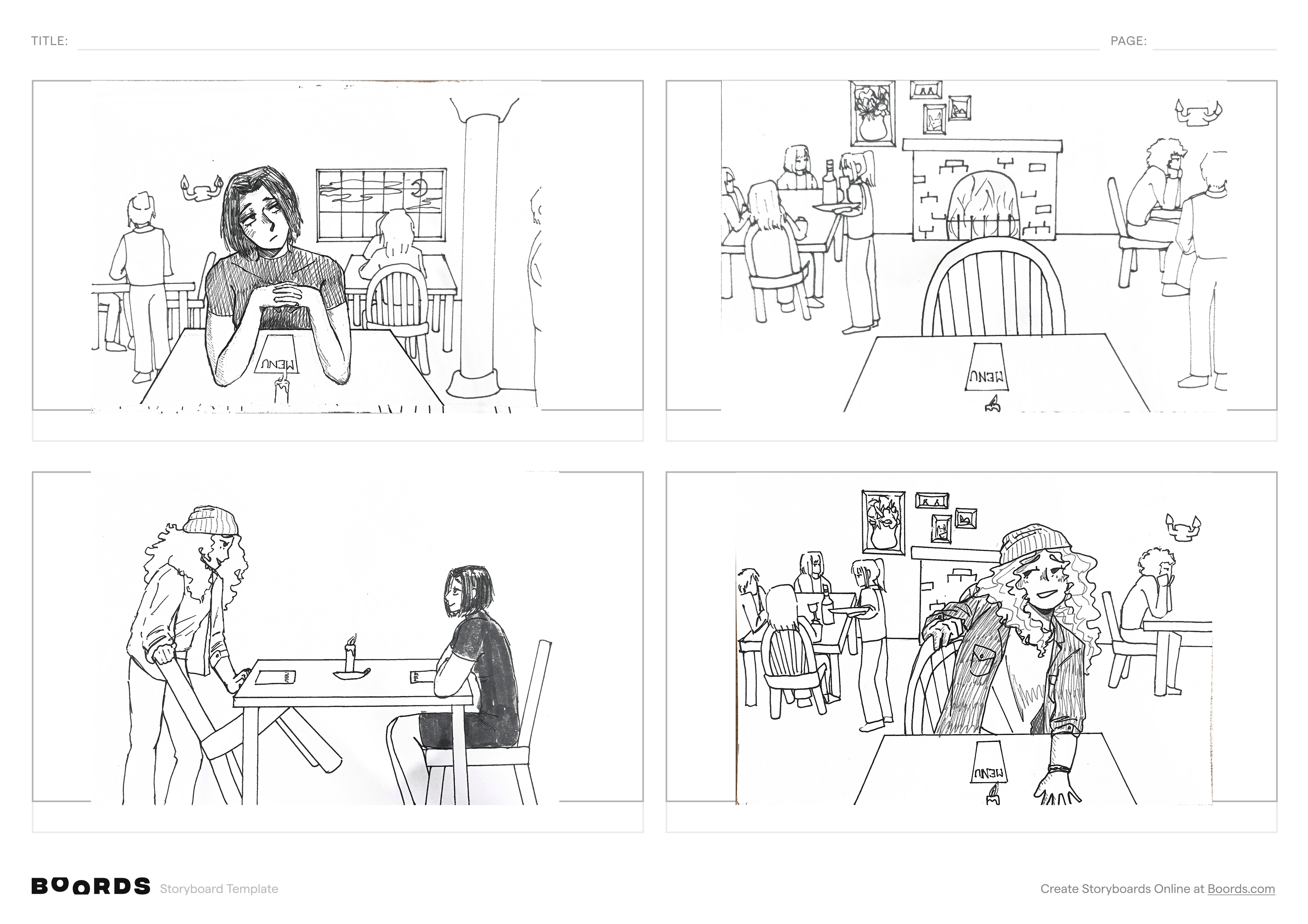
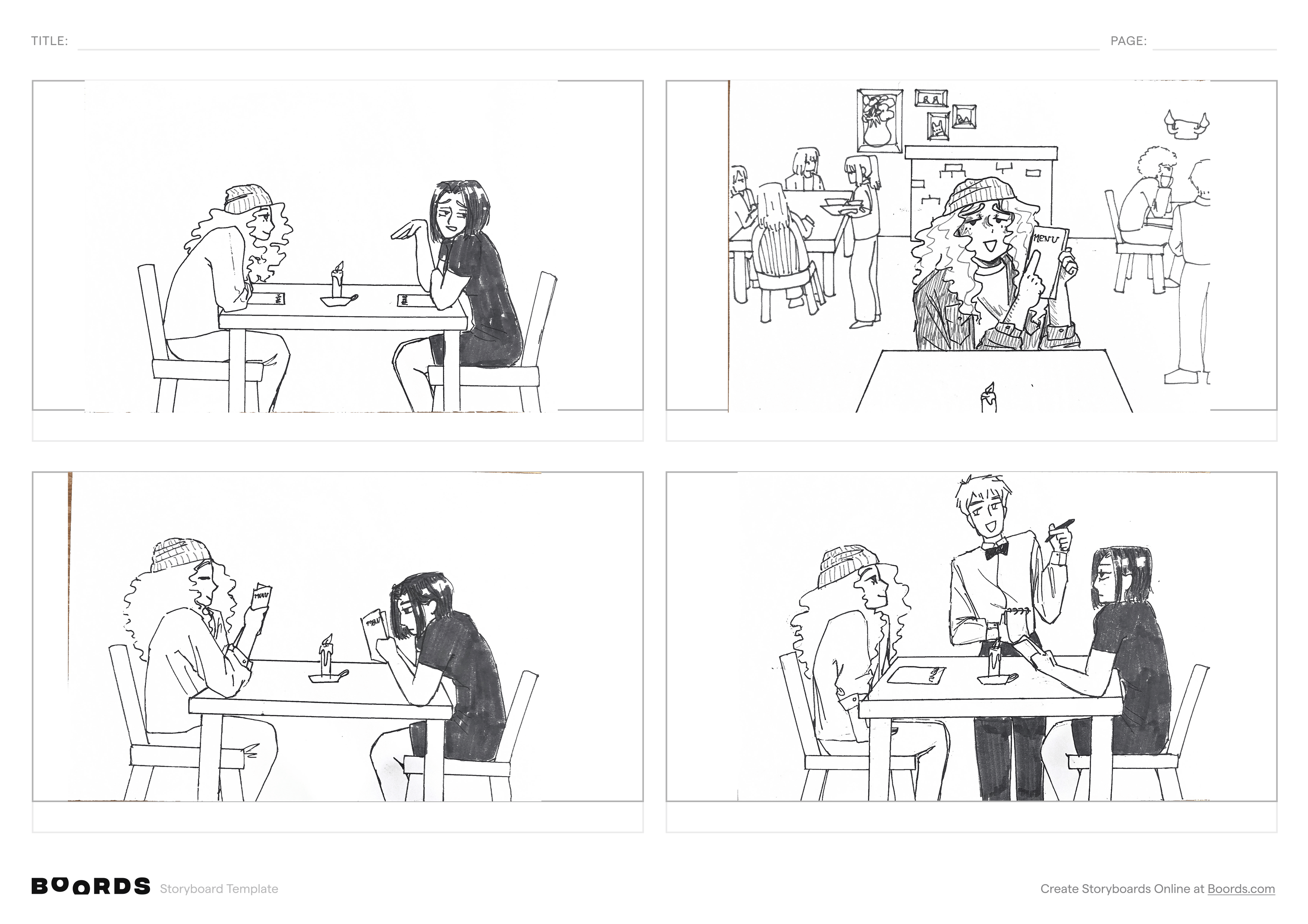
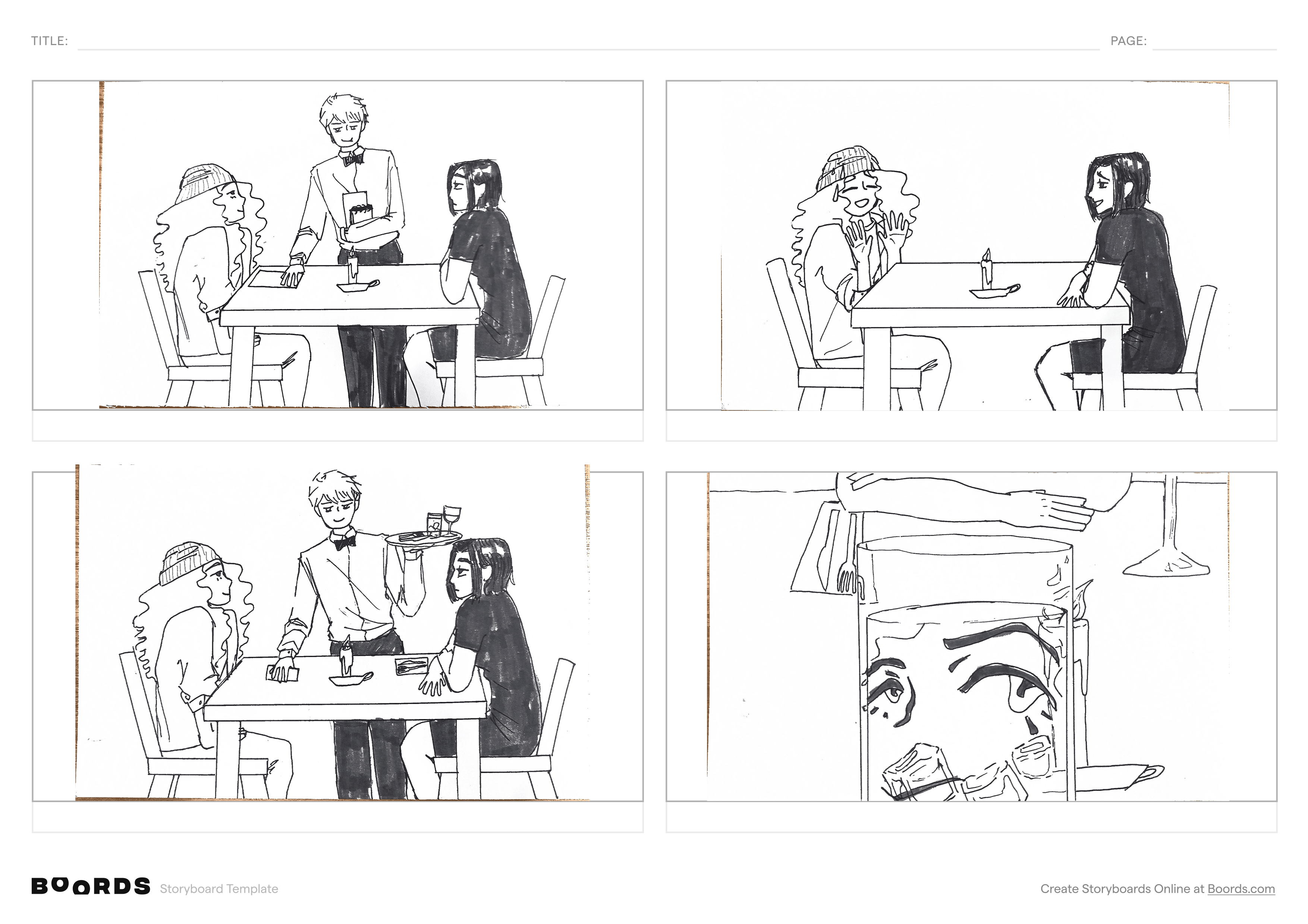
This concept is for a short film called 'Things That Go Bump in the Night'. It is a
lighthearted comedy film about mistaken identities and pretending to be someone you're not
on a first date.